
Nissan Sentra Owners Manual: Locking with power door lock switch
Door lock switch
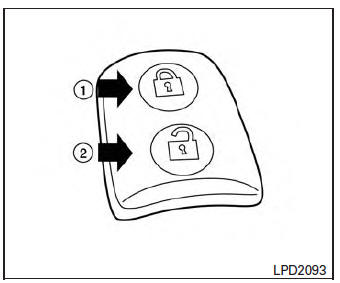
To lock all the doors without a key, push the door lock switch (driver’s or front passenger’s side) to the lock position 1 . When locking the door this way, be certain not to leave the key inside the vehicle.
To unlock all the doors without a key, push the door lock switch (driver’s or front passenger’s side) to the unlock position 2 .
Lockout protection
When the power door lock switch is moved to the lock position and any door is open, all doors will lock and unlock automatically. With the Intelligent Key left in the vehicle and any door is open, all doors will unlock automatically and a chime will sound after the door is closed.
These functions help to prevent the Intelligent Key from being accidentally locked inside the vehicle.
 Locking with inside lock knob
Inside lock
To lock the door without the key, move the inside
lock knob to the lock position 1 , then close the
door.
To unlock the door without the key, move the
inside lock knob to the unlo ...
 Automatic door locks
All doors lock automatically when the vehicle
speed reaches 15 MPH (24 km/h).
All doors unlock automatically when the ignition
is placed in the OFF position (models
with Intelligent Key sys ...
Other materials:
Regulatory Information
FCC Regulatory information
CAUTION: To maintain compliance with
FCC’s RF exposure guidelines, use only the
supplied antenna. Unauthorized antenna,
modification, or attachments could damage
the transmitter and may violate FCC regulations.
Operation is subject to the following two cond ...
Brake booster
Exploded View
Master cylinder assembly
Brake booster
Lock nut
Clevis
Gasket
Spacer
Removal and installation
REMOVAL
Remove cowl top and cowl top extension. Refer to EXT-26, "Removal and
Installation".
Remove air duct and air cleaner case. Refer to EM-25, &qu ...
Wheel side
WHEEL SIDE : Removal and Installation
REMOVAL
Remove the wheel and tire using power tool. Refer to WT-47, "Exploded
View".
Remove the brake caliper torque member bolts, leaving the brake hose
attached. Position the brake caliper
aside with wire. Refer to BR-41, "BRAKE C ...
